How to install Kali NetHunter on Huawei P10
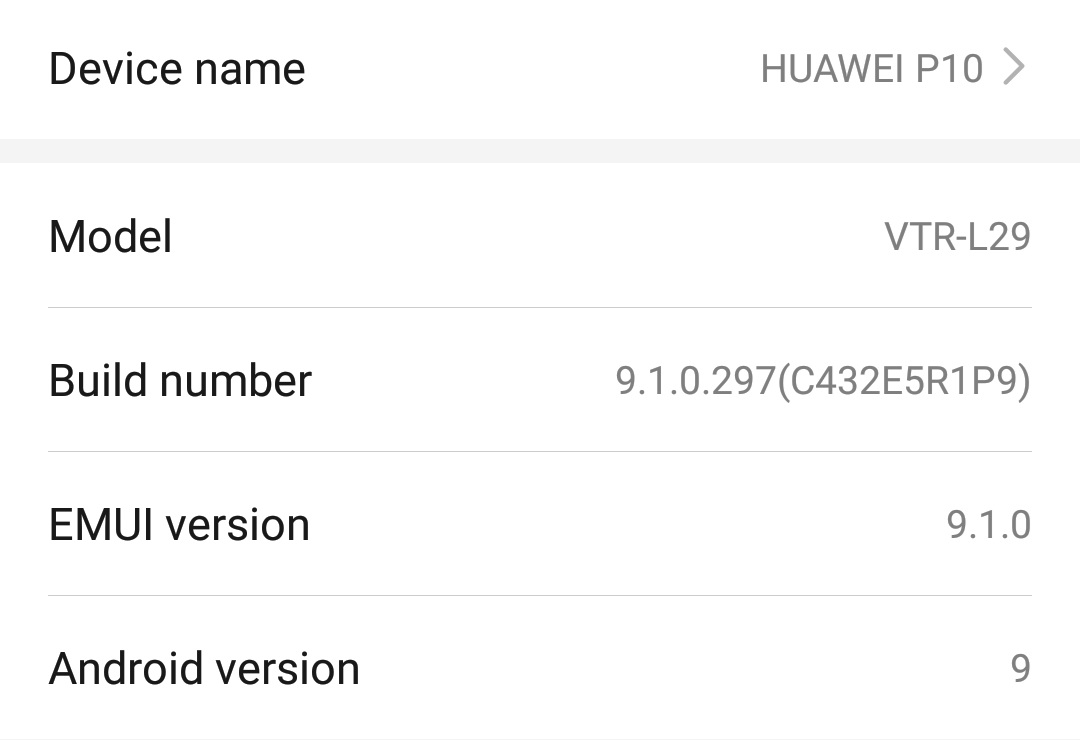
This tutorial assumes you already have an unlocked bootloader. If not, please check my previous tutorial on how to install LineageOS on Huawei P10.
You should also be running the stock Huawei ROM. If you aren’t, restore it using EMUI recovery: hold Volume Up for 3 seconds during boot and follow the menu to download and install the original software via the internet.
Install Lineage 19
Follow my previous tutorial, but ensure you choose the bvN version of LineageOS:
fastboot flash system lineage-19.1-20250606-UNOFFICIAL-arm64_bvN.img
fastboot reboot
Important: You must wipe data/factory reset the phone after the system partition is updated.
Extract the stock recovery_ramdisk image
You need to extract the original recovery image. Enable Developer Options and the ADB Root option in LineageOS, then connect your phone to your PC and run:
adb root
adb shell
Once connected as root, extract the image using dd:
phhgsi_arm64_ab:/ # ls -l /dev/block/by-name/recovery_ramdisk
lrwxrwxrwx 1 root root 16 2026-02-28 20:40 /dev/block/by-name/recovery_ramdisk -> /dev/block/sdd37

dd if=/dev/block/sdd37 of=/sdcard/recovery_ramdisk.img
exit
Backup the image to your PC:
adb pull /sdcard/recovery_ramdisk.img ~/Desktop
Install Magisk
Download Magisk and install it to your phone:
adb install Magisk-v30.7.apk
If the recovery_ramdisk.img file isn’t on your phone, push it using:
adb push recovery_ramdisk.img /sdcard/Download/
- Open Magisk on your phone and select Install.
- Under Options, select Recovery mode.
- Under Method, choose Select and patch file and pick your
recovery_ramdisk.img. - After patching, pull the new image to your PC:
adb pull /sdcard/Download/magisk_patched_*.img .
Flash recovery_ramdisk
Put your phone in Fastboot mode and flash the patched recovery image:
fastboot flash recovery_ramdisk magisk_patched-30700_XgO5U.img
fastboot reboot
To boot with root: When the phone reboots, hold Volume Up + Power until the Huawei logo appears. The phone will boot normally but with Magisk (root) enabled.
Install Kali NetHunter Mobile
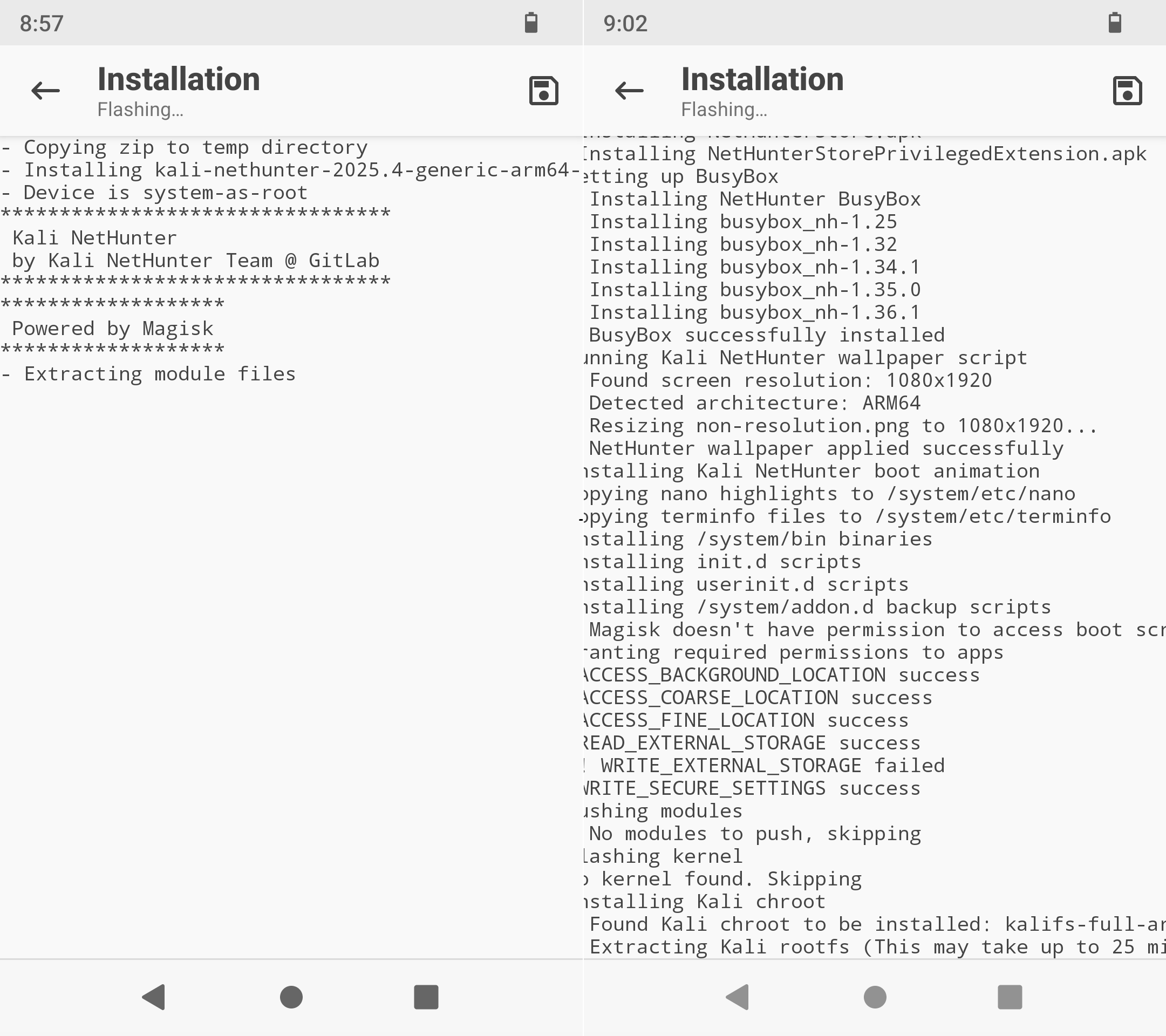
- Download the kali-nethunter-2025.4-generic-arm64-full version from Kali.org and copy the zip to your phone.
- Open Magisk -> Modules -> Install from storage -> select the Kali zip file.
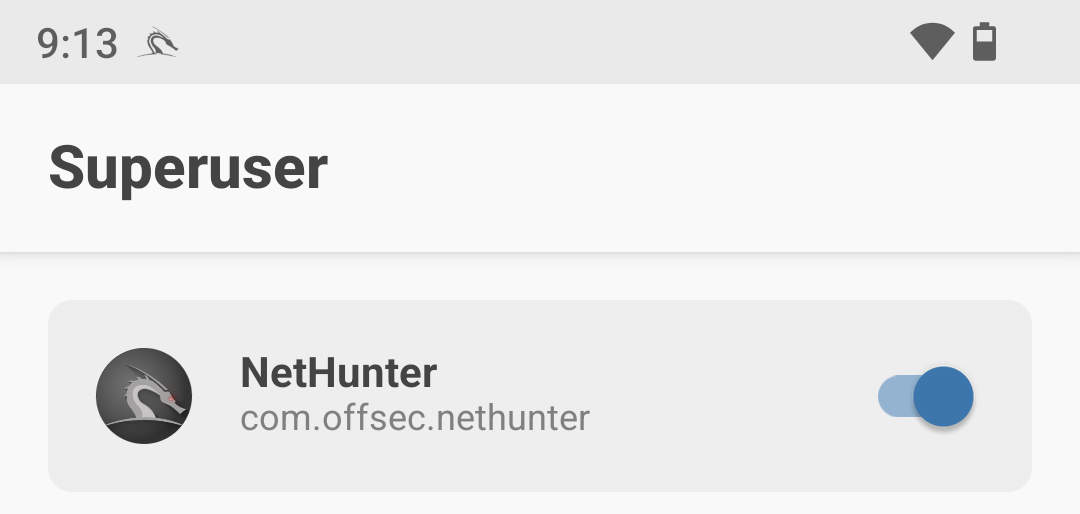
- After installation, grant root permissions in Magisk -> Superuser.
Have fun!